
Introduction: Why Switch Your Steam Region to Bangladesh?
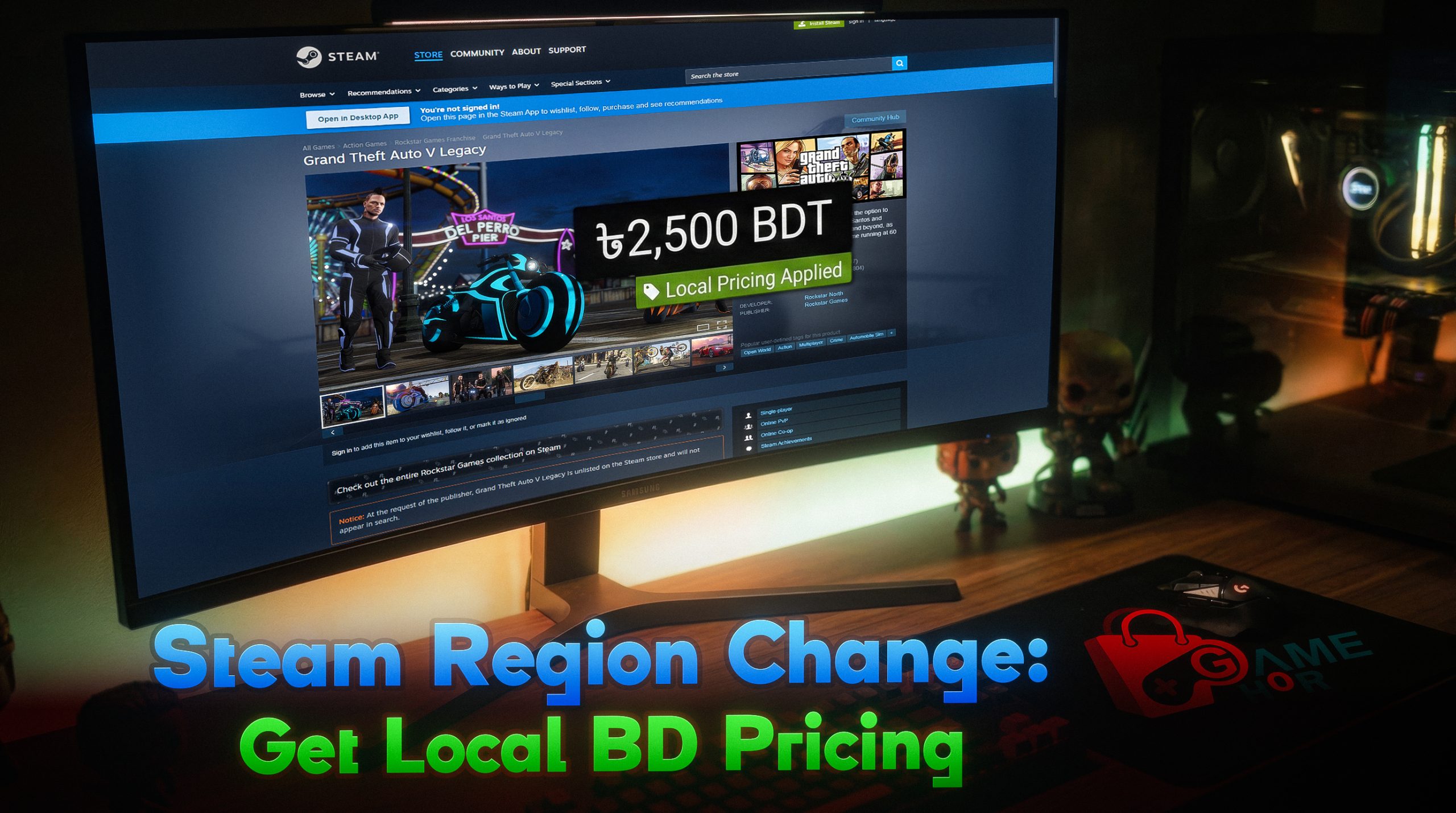
For years, Steam users in Bangladesh were forced to pay global or US-based prices, which are often significantly higher than local rates. As of 2026, Steam has refined its regional pricing models, making it highly beneficial for local gamers to switch their account region to Bangladesh. By following this Steam region change to Bangladesh guide, you can unlock localized pricing in BDT, making your favorite titles much more affordable. At Gameghor.com, we assist thousands of gamers in navigating these policy changes so they can build their library legally and safely.
Changing your Steam region to Bangladesh is the most effective way to enjoy fair, localized pricing while ensuring your account remains compliant with global digital policies.
Understanding Steam’s 2026 Region Policy
Steam has implemented a complex “New Region Policy” to prevent “region hopping”. To successfully change your region to Bangladesh, you must meet specific criteria, such as having a local IP address and a valid local payment method. Using a VPN to spoof your location is no longer sufficient and can lead to account restrictions. To ensure a permanent and safe transition, it is recommended to use local payment rails like Bkash or Nagad through a verified intermediary like Gameghor to complete your first regional purchase.


Step-by-Step Guide: How to Change Your Steam Region
Follow these steps to update your store location and start saving on games:
- Clear Your Cart: Ensure your Steam shopping cart is empty before starting the process.
- Verify Your Location: Ensure you are logged in from a Bangladeshi IP address. Local “Gamer Packages” from ISPs often provide the stable connectivity needed for this.
- Update Store Country: Go to “Account Details” > “Update Store Country.” Select “Bangladesh” from the dropdown menu.
- Add a Local Billing Address: Provide a valid Bangladeshi address and phone number to match your new region.
- Complete a Purchase: Steam requires a purchase using a local payment method to finalize the change. Since Steam doesn’t natively accept MFS, visit Gameghor.com to purchase a Steam Wallet Code or a specific game.
- Verify via Gameghor Official System: Use the Bkash/Nagad automated system on our site to receive your code.
Redeem and Finalize: Once you redeem the code on Steam, your region will be locked to Bangladesh, and prices will display in BDT or localized USD rates.

Why Gameghor is Your Best Partner for Regional Gaming
Switching regions can be tricky, and the fear of an account ban is real if you use illegitimate sources. Gameghor provides an “Education Marketing” approach, explaining why our keys and codes are safe and sourced from direct distributors. By using our official system, you bypass the need for an international credit card while maintaining full account security.
Conclusion
The 2026 gaming landscape in Bangladesh is built on accessibility and community. By localizing your Steam account, you save money and support the growth of the local digital economy. If you encounter any “Nagad payment Steam problems” or need further technical assistance, our support team at Gameghor.com is ready to help you navigate the process. Start your journey into localized gaming today!